Free Christmas Gift Tags Printable: How to Print Gift Tags, Cards, and Wall Art at Home

Free Christmas gift tags printable - featured design preview - Free Christmas Hub.
A free Christmas gift tags printable is the easiest way to make your presents look thoughtful without spending money on store-bought tags. You download the designs, print them at home, cut them out, and tie them to your gifts with ribbon or string. This guide shows you the whole process, from choosing a design to holding a finished tag in your hand, plus how to print matching cards and wall art with the same simple steps.
All of the designs in this post come from the free library at Free Christmas Hub. You can browse the full collection, preview every design, and download the pack that fits your plans. The downloads are preview gallery files for now, showing the designs from the website, and full printable pack files will be added over time. That honest note matters, because we would rather you know exactly what you are downloading than be surprised later.
In This Post
- What Is a Free Christmas Gift Tags Printable?
- Free Christmas Gift Tags to Download
- How to Print Your Free Christmas Gift Tags Printable
- Best Paper and Printer Settings for Gift Tags
- How to Make DIY Christmas Gift Tags
- Christmas Cards and Wall Art: Print Them the Same Way
- Common Printing Problems and Quick Fixes
- Frequently Asked Questions
- Download Your Free Pack
What Is a Free Christmas Gift Tags Printable?
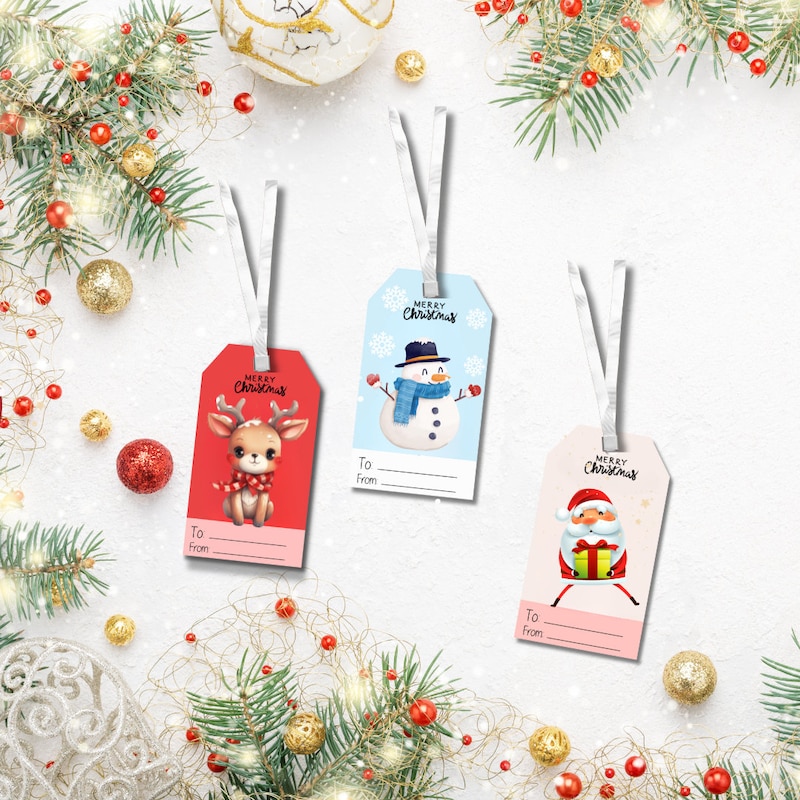
A free Christmas gift tags printable is a set of gift tag designs that you print yourself instead of buying. Each tag has a festive border, a small Christmas picture, and a blank space where you write the name of the person receiving the gift and a short message. You print a whole sheet of tags at once, cut them apart, punch a small hole in each one, and thread ribbon or string through it.
The idea is simple, but the result feels personal. A printed tag with a handwritten name tells the person that you took a moment for them, and it costs almost nothing. Families use these tags for presents under the tree, teachers use them for classroom gifts, and anyone hosting a Christmas party can use them to label table favours and stocking fillers.
A good free Christmas gift tags printable gives you choice. Some tags are classic red and green, some are soft gold and cream, and some are playful, with snowmen, reindeer, and candy canes. Because the pack is free, you can print as many as you need, mix different styles across your gifts, and try a new design next year without buying anything.
What Is a Free Christmas Gift Tags Printable? - design preview - Free Christmas Hub.
Free Christmas Gift Tags to Download
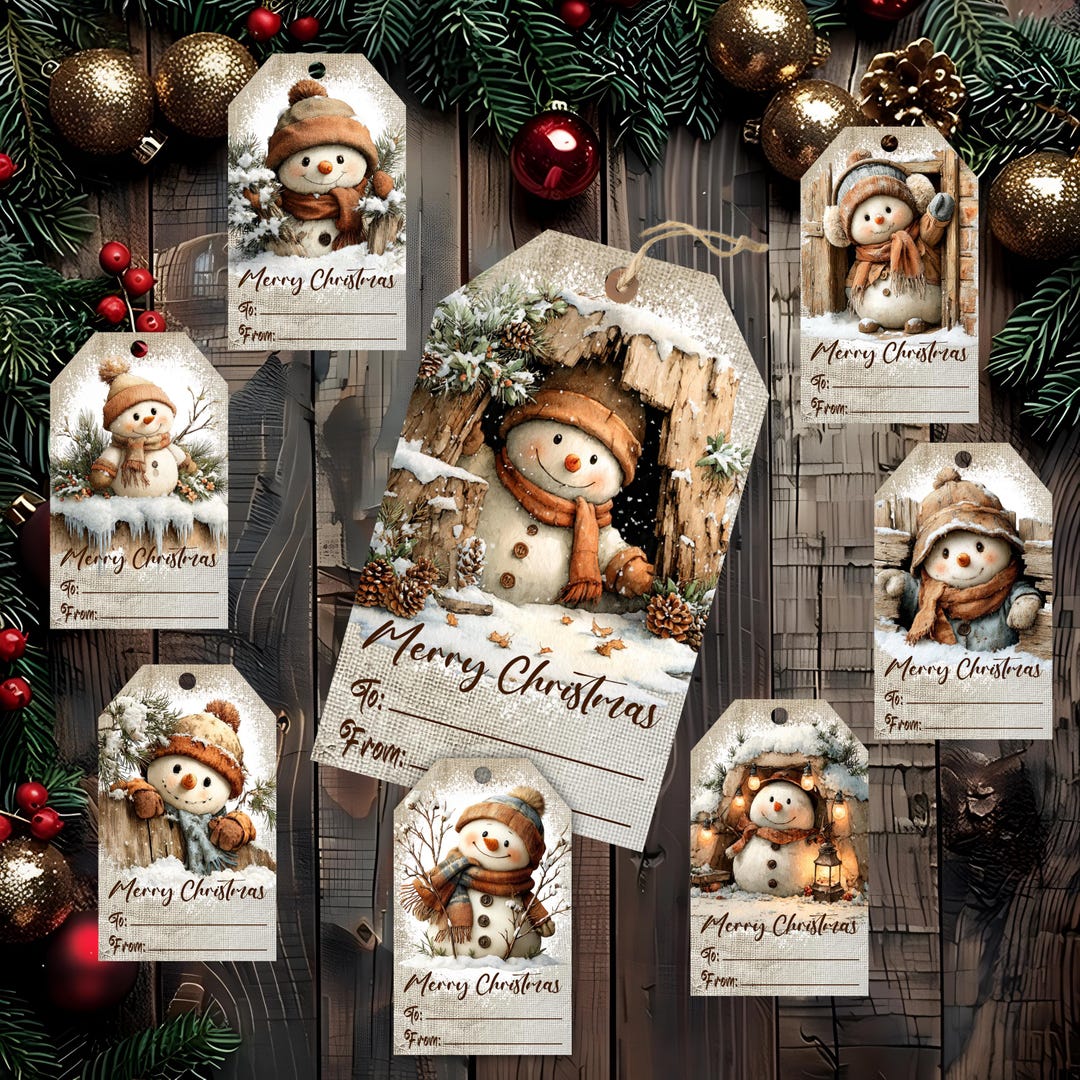
The Christmas Gift Tags Pack in the free library holds 24 printable gift tags with festive borders and space for your message, in a mix of styles — classic red and green, soft gold and cream, and playful snowmen, reindeer, and candy canes. Open the pack on the homepage, look through the preview gallery, and choose the style you like best. Every design in the pack is free to download and free to print as many times as you need for personal, family, and classroom use.
Before you download, decide how many gifts you need to label. Count the presents under the tree, add a few extra for last-minute gifts, and print one or two spares in case a tag gets smudged or torn. It is much easier to print a few extra tags now than to set the printer up again on Christmas Eve.
Save the downloaded file somewhere easy to find, like your Desktop or a folder called Christmas prints. The download is a preview gallery file, so open it and look at the designs first. Full printable pack files will be added over time, and the preview lets you see exactly which designs are in the pack before you print.
While you are there, look at the other free packs too. The same library holds Christmas cards, wall art, gift wrap, and colouring pages, all free, and printing them together saves time because your paper and printer settings stay the same for the whole session.
All designs are free for personal, family, and classroom use — print as many as you need, but please do not sell or redistribute them. The full licence is on our Licence and Usage Policy page.
Free Christmas Gift Tags to Download - design preview - Free Christmas Hub.
How to Print Your Free Christmas Gift Tags Printable
Short answer: download the pack, print it on cardstock at 100% scale, then cut the tags out — ten minutes from download to finished tags.
Printing your free Christmas gift tags printable at home is easier than it sounds. Here is a simple, step-by-step way to go from a pack on this site to finished tags, cards, and wall art.
A quick note before you print: the files you download right now are preview gallery files that show every design in the pack. Print a test page first — the full print-ready pack files will be added over time.
Step 1: Choose your pack
Browse the library by category and open a pack whose preview gallery shows the style you like. Gift tags and cards are usually small, while wall art packs are made for larger prints. Pick one style for all of your gifts if you want a matching look, or mix two or three styles if you want each present to feel a little different.
Step 2: Download the file
Use the download option to save the pack to your computer. Right now the downloads are preview gallery files, which let you see the designs; full printable files will be added later. Save the file somewhere easy to find, like your Desktop or a folder called Christmas prints, so you do not have to search for it when the printer is ready.
Step 3: Check the size before printing
Open the file and look at the page size. Gift tags print best at their original small size, cards usually fit on half a sheet, and wall art looks best printed as large as your printer allows. Most printers offer a fit-to-page option if the size looks wrong, and that one setting fixes most size problems before they waste paper.
Step 4: Pick your paper
Plain printer paper works for colouring pages and games. For gift tags and cards, a thicker paper or cardstock gives a sturdier result that does not bend or tear when the present is carried. For wall art, a smooth matte paper keeps colours looking rich. If you are unsure, print one tag on plain paper first, then the same tag on cardstock, and compare them in your hand.
Step 5: Print a test page first
Print one page on plain paper to check the size and colours before using your good paper. This saves ink and avoids surprises. Look at the test page closely: are the colours bright enough, is the writing space big enough for a name, and are the edges clean? If anything looks wrong, change one setting at a time and test again.
Step 6: Cut and finish
Cut gift tags along their edges, fold cards along the centre line, and trim wall art to fit your frame. A ruler and a sharp pair of scissors give the cleanest edges. Punch a small hole at the top of each tag and thread ribbon or string through it, then tie a neat bow or a simple knot.
Step 7: Use and enjoy
Tie the tags to gifts with ribbon or string, write your messages in the cards, and frame or pin up your wall art. Everything is for personal, family, and classroom use, so print as many as you need. A handwritten name on a printed tag is a small touch, but it is the touch people remember.

How to Print Your Free Christmas Gift Tags Printable - design preview - Free Christmas Hub.
Best Paper and Printer Settings for Gift Tags
Good paper makes a bigger difference than an expensive printer. For gift tags, white cardstock between 160 and 220 gsm (grams per square metre — the paper's weight, so a higher gsm means thicker paper) is the sweet spot: thick enough to feel sturdy, thin enough to feed through a normal home printer without jamming. If your printer has a paper type setting, choose cardstock or heavy paper so it feeds slowly and prints with more ink.
Set your print quality to Best or High for the final run, and keep Draft for the test page only. Colour inkjet printers give the brightest reds and greens, while laser printers give sharper text and smudge-proof black lines. Either one works well for tags, so use the printer you already have.
Two settings matter most. First, set the paper size to match the file, usually A4 or Letter, and turn on fit-to-page only if the design looks cut off. Second, print at 100 percent scale for tags, because scaling them up makes the writing space too big and the tag too floppy. If your printer offers borderless printing, leave it off for tags, since a small white border makes cutting easier and cleaner.
| Paper | Best for | Notes |
|---|---|---|
| White cardstock, 160–220 gsm | Gift tags and cards | Sturdy, feeds through most home printers |
| Smooth matte photo paper | Wall art | Rich colours, no glare in a frame |
| Plain printer paper | Test prints | Cheap way to check size and colours first |
For wall art, the same rules apply in reverse: use smooth matte photo paper or heavy matte paper, print at the largest size your printer allows, and choose Best quality. Matte paper avoids glare in a frame, and the colours stay rich for the whole season.
How to Make DIY Christmas Gift Tags
Short answer: DIY gift tags take three steps — print, cut, and finish by hand. All you need is scissors, ribbon, a hole punch, and a pen that writes well on cardstock.
Printed tags are the quick way, but a few minutes of hand finishing turns them into something that looks made, not just printed. You do not need craft supplies beyond what most homes already have: scissors, ribbon, a hole punch, and a pen that writes well on cardstock.
| Idea | Best for | You need |
|---|---|---|
| Ornament tag | Hanging on a wrapped box; children choosing ribbons | Round cut, hole punch, gold or red ribbon |
| Evergreen tag | A fresh Christmas smell and look | A tiny sprig of real or fake evergreen, glue |
| Gift-card tag | Grandparents and close friends who keep notes | Print a little larger, pen for the back |
| Cardboard tag | A rustic handmade look that costs nothing | Brown cardboard from an old box, glue, twine |
Ornament Gift Tag
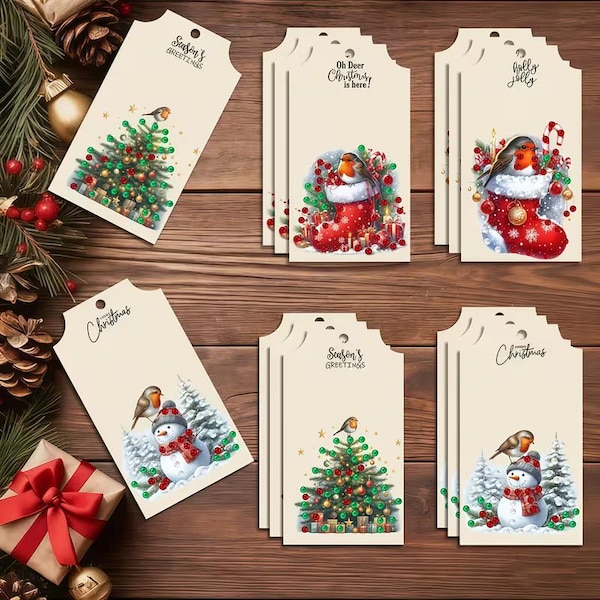
Cut the tag into a round ornament shape instead of a rectangle, and punch the hole at the very top. Thread a short loop of gold or red ribbon through it so the tag hangs like a bauble from the gift. A round tag looks lovely on a wrapped box, and children love choosing which colour ribbon goes with which present.
Evergreen Gift Tag
Glue a tiny sprig of real or fake evergreen to the top corner of the tag, just above the name. The green against the printed red border smells and looks like Christmas itself. Keep the sprig small and flat so the tag still sits neatly on the parcel, and write the name before you glue anything down.
Gift Card Gift Tag
Make the tag do double duty by writing the message on the back like a mini gift card. Print the tag a little larger than usual, leave the front for the name, and use the whole back for two or three warm lines. This works beautifully for grandparents and close friends, who keep these little notes long after the present is opened.
Cardboard Gift Tag
For a rustic look, print the tag on plain paper and glue it onto a piece of brown cardboard from an old box. Cut around it with a small border of cardboard showing, punch a hole, and tie it with twine. The brown and cream combination looks handmade and costs nothing, and it is a kind way to reuse packaging.
How to Make DIY Christmas Gift Tags - design preview - Free Christmas Hub.
Christmas Cards and Wall Art: Print Them the Same Way
Short answer: yes — cards and wall art print on the same printer with the same settings. Cards print on half a sheet of cardstock folded once; wall art prints best on smooth matte photo paper.
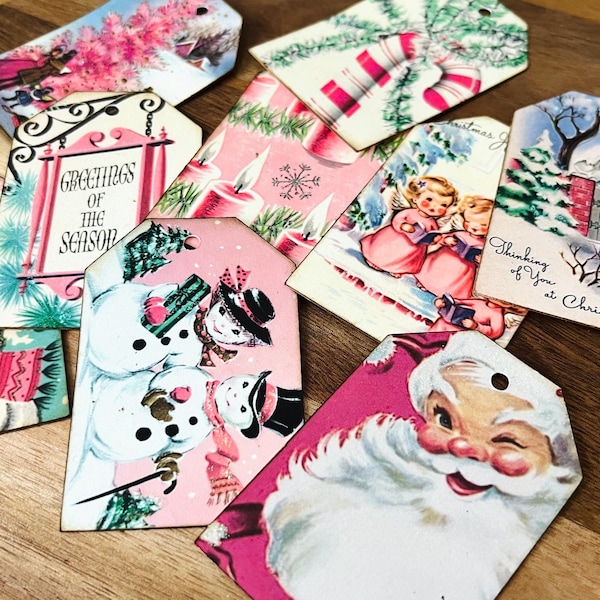
Once your tags are done, the same printer and the same paper settings handle the rest of your Christmas printing. Cards print best on half a sheet of cardstock, folded once down the centre. Print the front design first, let the ink dry for a minute, then print the inside message on the other side if your design has one.
Wall art is the easiest of all, because there is no cutting or folding. Print it as large as your printer allows on smooth matte paper, trim the white edges with a ruler, and slip it into a frame. A single framed print can change the feeling of a whole room, and you can swap it for a new design next year in under a minute.
Printing everything in one session saves time and ink. Set up the printer once, run a single test page, then print tags, cards, and wall art together while the settings are still right. Keep a small box for the finished pieces so nothing gets bent before Christmas day.
Christmas Cards and Wall Art - vintage design preview - Free Christmas Hub.
Common Printing Problems and Quick Fixes
Short answer: the three most common problems are pale colours, tags printing too small, and paper jams — pale colours mean switching Draft to Best, small tags mean setting the scale to 100%, and jams mean feeding one lighter sheet at a time.
Most printing problems have a simple cause. If the colours look pale, switch the print quality from Draft to Best and check that you are printing in colour, not greyscale. If the tags print too small, check that the scale is set to 100 percent and that fit-to-page is off. If the paper jams, try a lighter cardstock and feed one sheet at a time.
If the ink smudges when you touch it, let the page dry for a full minute before cutting, and avoid touching the printed areas while the ink is still wet. Laser printers rarely smudge, but inkjet prints need that minute. If the edges look rough after cutting, use a metal ruler and a sharp blade or sharp scissors, and cut slowly in one smooth motion instead of many small snips.
If a tag prints with a white border on one side only, your paper is sitting slightly crooked in the tray. Straighten the paper guides until they touch the edges of the stack, and print a test page to confirm the design sits in the centre. These small checks take a minute and save a whole sheet of good cardstock.
Frequently Asked Questions
1. Is this free Christmas gift tags printable really free?
Yes. Every pack on Free Christmas Hub is 100 percent free for personal, family, and classroom use. There is no sign-up and no payment, and you can print as many tags as you need.
2. What paper should I use for gift tags?
White cardstock between 160 and 220 gsm works best. It feels sturdy, holds ink well, and does not bend when the present is carried. Plain paper works for a test print, but cardstock gives the finished result.
3. Can I print the tags on a normal home printer?
Yes. Any home inkjet or laser printer can print these tags. Set the quality to Best, use the cardstock paper setting if your printer has one, and print a test page first.
4. How many tags are in the pack?
The Christmas Gift Tags Pack holds 24 printable gift tags with festive borders and space for your message. You can print the whole pack or only the designs you like.
5. Can I use these tags for classroom or charity gifts?
Yes. The tags are free for personal, family, and classroom use, so teachers and community groups can print them for their Christmas gifts and events.
6. Why does the download open as a preview file?
The downloads are preview gallery files for now, so you can see every design in the pack before you print. Full printable pack files will be added over time.
7. Can I print Christmas cards and wall art the same way?
Yes. Cards print on half a sheet of cardstock folded once, and wall art prints best on smooth matte paper at the largest size your printer allows. The same test page and quality settings work for all three.
8. How do I stop the ink from smudging?
Let each page dry for a full minute before cutting — see the troubleshooting section above for the full fix.
Download Your Free Pack
That is all there is to it. Pick a pack, print a test, and enjoy a handmade Christmas. Open the Christmas Gift Tags Pack on the Free Christmas Hub homepage, preview the 24 free designs, and download your free Christmas gift tags printable today. Tie the tags to your gifts with ribbon or string, write your messages by hand, and let the small details make Christmas feel personal.